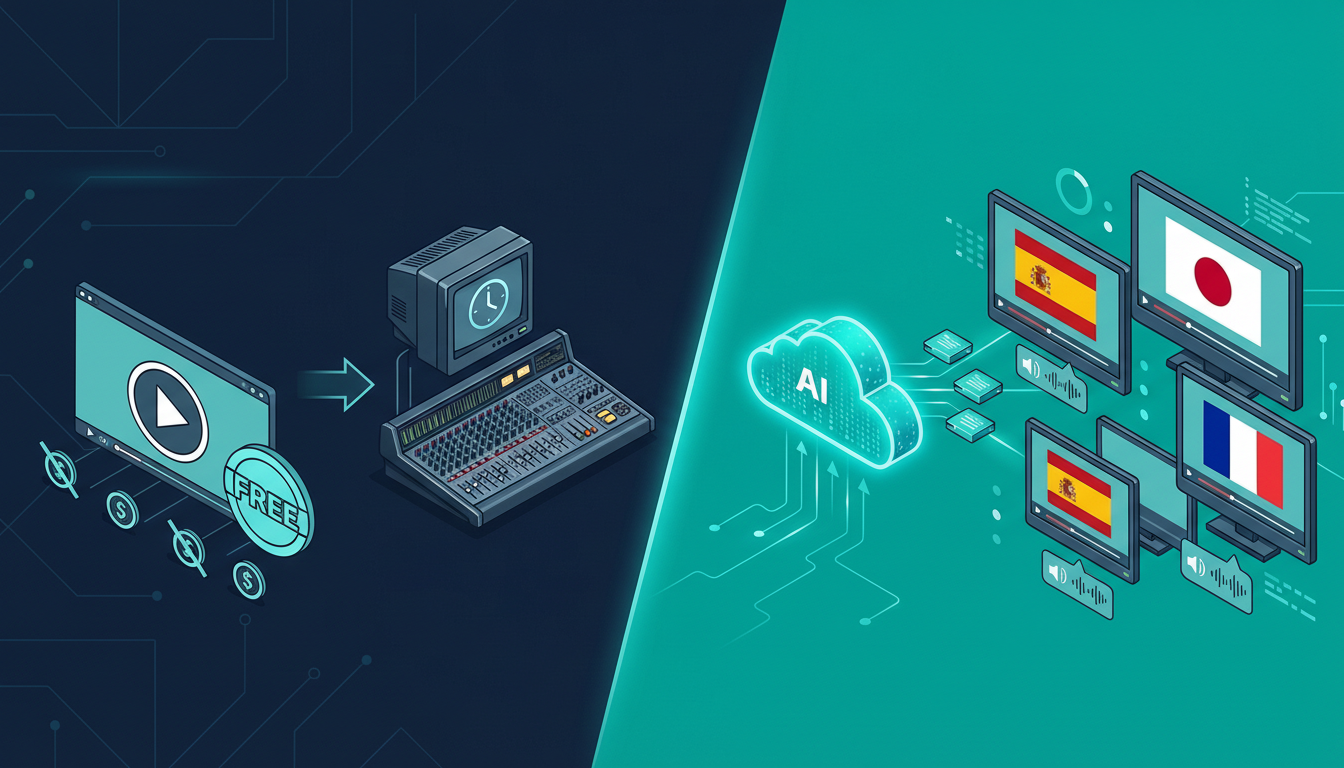

“Can I dub my video for free?” is one of the most common questions creators ask when they first discover AI video dubbing. The honest answer: yes, sort of—but the free options come with real limitations you should know about before you start.
I’ve tested every major free video dubbing software available in 2026. Here’s the truth about each one.
🆓 What “Free Video Dubbing” Actually Means
Before diving into tools, let’s be clear about what “free” typically means in this space:
- Free trial: You get a limited number of minutes/credits to test the platform
- Freemium: Basic features free, advanced features paid
- Truly free: Some tools are completely free, but usually with watermarks, limited languages, or lower quality
Most “free video dubbing software” falls into the first two categories. Truly free, unlimited dubbing at high quality doesn’t really exist—the compute costs are too high.
Info
The AI models that power good dubbing (ElevenLabs for voice synthesis, Whisper for transcription, DeepL for translation) cost money to run. Any tool offering unlimited free dubbing is either using inferior technology or running at a loss.
🏆 Best Free Video Dubbing Options in 2026
1. NovaDub — Best Free Trial (No Credit Card)
NovaDub offers a 5-minute free trial with no credit card required. That’s genuinely useful—enough to dub a short video or test a segment of a longer one to evaluate quality before committing.
What you get in the free trial:
- Full access to all 29 languages
- ElevenLabs-powered voice synthesis (the same quality as paid)
- Voice cloning capability
- No watermarks on trial output
The catch: 5 minutes is 5 minutes. For a quick YouTube short or social media clip, that’s plenty. For a 30-minute tutorial, you’ll need a plan.
Why start here: The quality is the best available, and you can evaluate it completely for free before spending anything.
👉 Start free trial — no credit card
2. Kapwing — Free with Watermark
Kapwing has a free tier that includes basic video translation. The main limitation: watermarks on all free exports. For personal projects or quick tests, this is fine. For any kind of professional or monetized content, it’s not acceptable.
What works:
- Reasonable translation quality for common languages (EN, ES, FR, DE)
- Browser-based, no download required
- Simple interface
What doesn’t:
- Watermarks on free tier
- Voice quality noticeably below NovaDub
- No voice cloning
- Limited to basic languages
Best for: Personal projects where quality and watermarks don’t matter
3. VEED.IO — Free Tier with Tight Limits
VEED offers a free plan but it’s quite restrictive: 10 minutes of video per month total, watermarks, and limited to a handful of languages. You’ll hit the ceiling fast if you’re trying to do anything serious.
What works:
- Clean interface
- Good for testing
What doesn’t:
- 10 min/month is too limiting for real workflows
- Watermarks
- Basic voice quality
Best for: Occasional personal use only
4. Google Translate + Manual Audio Replacement (DIY Free)
For the truly cost-sensitive, there’s a DIY approach:
- Auto-generate captions in YouTube Studio (free)
- Export and edit the transcript
- Use a free TTS tool to generate audio in the target language
- Sync the audio manually in a video editor like DaVinci Resolve (free)
Honest assessment: This works, but it takes hours per video. The voice quality from free TTS tools is robotic. Lip sync is non-existent. Unless you’re extremely price-sensitive and have lots of time, this is not worth it for professional content.
5. Dubverse Free Plan
Dubverse offers a limited free tier with a small number of translation minutes per month. The quality is decent, the interface is clean, but the limits are tight. Good for testing their platform specifically.
💡 The Real Math: Free vs Paid
Let’s be honest about the economics. A 10-minute YouTube video dubbed into 5 languages on NovaDub’s pay-as-you-go plan (€0.99/min) costs about €50 total. If that video earns you €500+ in expanded ad revenue, affiliate commissions, or course sales from a new market, the math is obvious.
The question isn’t “is there a free option?” but “what’s the ROI on the best quality tool?”
Tip
Creator math: If your English video gets 10,000 views and earns €200, a Spanish dub that gets 5,000 views earns €100. After a €10 dubbing cost (10 min at €0.99/min), that’s €90 net from one dub. Do 10 videos → €900/month in extra revenue.
🔍 What to Look for in Free Video Dubbing Software
When evaluating any free option, check these factors:
-
Voice quality Listen carefully to the output. Does it sound human or robotic? This is the #1 quality differentiator. ElevenLabs-powered tools sound dramatically better than older TTS engines.
-
Language support How many languages? Spanish, French, German, Portuguese, Japanese, Hindi are the high-value ones for YouTube creators.
-
Watermarks Free tools often add watermarks. Check if these appear in the audio, video, or both.
-
Export limits Minutes per month, file size limits, resolution caps—read the fine print.
-
Translation accuracy The AI transcript + translation pipeline matters as much as the voice. Some tools produce awkward translations that make the dubbed content cringe-worthy.
🎯 Our Recommendation
If you need truly free: Use NovaDub’s 5-minute trial to test quality, then Kapwing for low-stakes content where watermarks are acceptable.
If you need best quality at minimum cost: NovaDub’s pay-as-you-go at €0.99/min. You only pay for what you use, no monthly commitment.
If you’re dubbing 3+ videos per month: A monthly plan saves money vs pay-as-you-go. NovaDub’s Standard plan at €69/month gives 120 minutes—enough for most creators.
Frequently Asked Questions
Is there completely free video dubbing software?
Completely free video dubbing at professional quality doesn’t realistically exist—the AI compute costs are too high. What exists are free trials (NovaDub: 5 min, no credit card), freemium plans with watermarks (Kapwing, VEED), and DIY approaches using free TTS + manual editing.
Can I dub a YouTube video for free?
Yes, with limitations. NovaDub’s free trial lets you dub up to 5 minutes with no watermarks and no credit card. For longer videos, you’ll need a paid plan or pay-as-you-go credits.
What’s the best free AI dubbing tool?
For quality, NovaDub’s free trial is unmatched—you get the same ElevenLabs voice synthesis as the paid tier. For ongoing free use with limits, Kapwing and VEED offer freemium plans, though with watermarks and lower quality.
How much does video dubbing cost after the free trial?
NovaDub starts at €0.99/minute pay-as-you-go, with monthly plans from €39. A typical 5-minute YouTube video costs under €5 to dub into one language.
Does free video dubbing software add watermarks?
Most free tiers add watermarks. NovaDub’s free trial does NOT add watermarks—it’s a full-quality trial of the complete product, limited only by the 5-minute cap.
Ready to try the best free video dubbing experience? Start your 5-minute free trial →
Creators worldwide use NovaDub
"NovaDub revolutionized my channel. Now I reach audiences in 5 different languages with the same voice quality."
"The AI dubbing quality is incredible. My international followers can't believe it's automated!"
"We reduced localization costs by 80% while maintaining professional quality."
"Our courses now reach students worldwide. The audio quality is so natural it sounds like human dubbing."