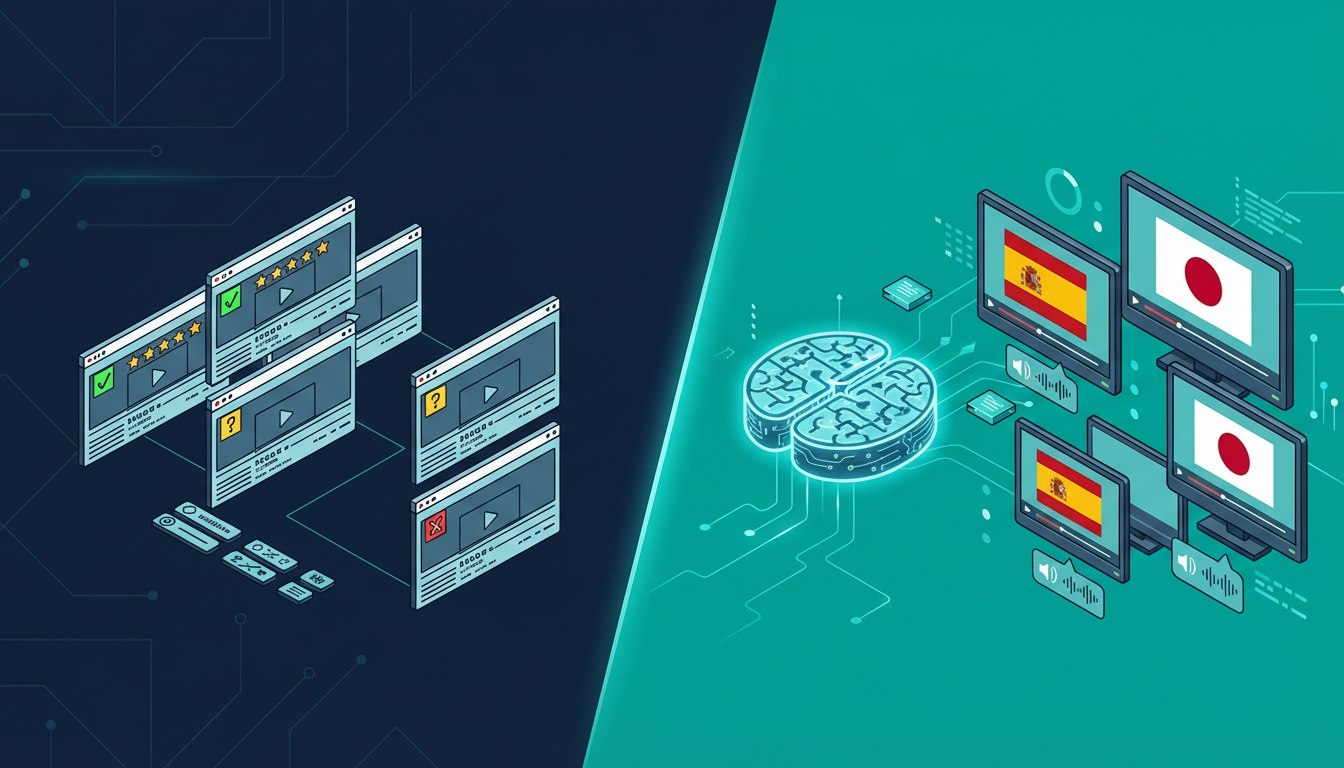

If you’ve searched for “AI video translator” recently, you’ve probably noticed the landscape has exploded. A year ago, you could count the serious options on one hand. Today there are dozens of platforms, each claiming to offer seamless automatic video translation. But which ones actually work?
I spent three weeks testing every major AI video translator on the market. I translated the same 10-minute video (a product demo with technical language) into Spanish, French, German, and Japanese across all platforms. Here’s what I found.
🤖 How AI Video Translation Actually Works
Before diving into the comparison, it helps to understand what these tools are actually doing under the hood. Every AI video translator follows roughly the same pipeline:
- Speech-to-text: The AI listens to your video and creates a text transcript
- Translation: That transcript gets translated into the target language
- Voice synthesis (TTS): A new voice track is generated in the target language
- Lip sync / timing: The new audio is synchronized with the video
The quality difference between platforms comes down to how well they execute each step—and which underlying AI models they use for each component.
Info
The single biggest quality differentiator is the voice synthesis engine. Platforms using ElevenLabs or similar top-tier TTS produce voices that sound genuinely human. Platforms using older synthesis engines sound robotic and stilted.
🏆 The Best AI Video Translators in 2026
1. NovaDub — Best Overall Quality
NovaDub stands out for one key reason: it uses ElevenLabs for voice synthesis. ElevenLabs is widely considered the best AI voice technology available, and you can hear the difference immediately. The translated voices sound natural, with proper pacing, emotional inflection, and the subtle imperfections that make speech feel human.
The platform handles 29 languages and offers voice cloning: your translated video can sound like you speaking the target language, not a generic AI voice. For content creators who’ve built an audience around their personal style, this is a game-changer.
Strengths:
- Best-in-class voice quality (ElevenLabs powered)
- Voice cloning in all 29 supported languages
- European platform with strong privacy compliance
- Clean, intuitive interface available in multiple languages
- 5-minute free trial, no credit card required
Weaknesses:
- Slightly higher price point than some competitors
- 29 languages (less than some platforms claiming 100+, but those often have lower quality)
Best for: Creators and businesses who prioritize quality over quantity
Pricing: From €0.99/min pay-as-you-go; monthly plans from €39
Tip
Pro Tip: NovaDub’s voice cloning feature works remarkably well even with background music. If your video has a music bed, the AI is smart enough to maintain it in the translated version while replacing only the speech.
2. HeyGen — Best for Video Avatars
HeyGen focuses on video synthesis rather than pure translation. Their main differentiator is lip sync technology: the avatar or presenter in your video actually moves their lips to match the translated audio. It’s visually impressive.
Strengths:
- Impressive lip sync
- Good for corporate presentations with on-camera presenters
- Integrates with common presentation tools
Weaknesses:
- Much higher price point ($89+/month for serious use)
- Voice quality noticeably behind NovaDub
- Limited value for voiceover-style content
Best for: Corporate video with on-camera presenters who need lip sync
Pricing: From $29/month, but serious use requires $89+ plans
3. Rask.ai — Best for Volume
Rask has invested heavily in supporting a large number of languages (130+) and has built a solid workflow for bulk translation projects.
Strengths:
- 130+ languages supported
- Good API for developers
- Solid batch processing
Weaknesses:
- Voice quality is inconsistent (depends heavily on language)
- Interface can be confusing for new users
- Customer support issues at scale
Best for: Enterprises processing large volumes across many languages
Pricing: From $60/month
4. Papercup — Best for Broadcast
Papercup targets broadcasters and media companies, with a hybrid AI-human workflow that delivers broadcast-grade quality.
Strengths:
- Highest quality outputs (humans review AI output)
- Strong industry reputation
Weaknesses:
- Very expensive (enterprise pricing, typically $5,000+/project)
- Not accessible to individual creators or small businesses
Best for: TV networks, streaming platforms, major publishers
5. ElevenLabs Dubbing Studio — Best Free Option
ElevenLabs, whose technology powers NovaDub’s voice synthesis, offers their own dubbing studio. The quality is excellent (it’s their own engine), but the product is more of a developer tool than a finished product.
Strengths:
- Best voice quality (their own technology)
- Free tier available
- API access for developers
Weaknesses:
- Less polished UX than dedicated platforms
- Limited language support compared to specialized tools
- No voice cloning matching your brand voice
Best for: Developers and tech-savvy users comfortable with raw tools
📊 Head-to-Head Comparison
| Feature | NovaDub | HeyGen | Rask.ai | ElevenLabs Studio |
|---|---|---|---|---|
| Languages | 29 | 40+ | 130+ | 29 |
| Voice quality | ⭐⭐⭐⭐⭐ | ⭐⭐⭐ | ⭐⭐⭐ | ⭐⭐⭐⭐⭐ |
| Voice cloning | ✅ | ✅ | ✅ | Limited |
| Lip sync | ❌ | ✅ | ✅ | ❌ |
| Price (entry) | €39/mo | $29/mo | $60/mo | Free |
| Free trial | ✅ (5 min) | ✅ (limited) | ✅ (limited) | ✅ |
| API access | ❌ | ✅ | ✅ | ✅ |
| Best for | Quality | Lip sync | Volume | Devs |
Note
A note on languages: platforms claiming 100+ language support often achieve this with inconsistent quality. A tool that does 29 languages excellently is more useful than one that does 130 languages poorly.
🎯 Which AI Video Translator Should You Choose?
If you’re a content creator (YouTuber, podcaster, course creator) and you want the best quality translated content, NovaDub is the clear winner. The voice quality is superior, the voice cloning feature preserves your personal brand, and the pricing is reasonable.
If you work in corporate video with on-camera presenters and lip sync is a priority, HeyGen is worth the higher price.
If you need to process a very high volume across dozens of languages and quality is secondary to scale, Rask.ai is the most practical option.
If you’re a developer building a custom workflow and want access to the best TTS engine available, ElevenLabs Studio gives you the raw power.
Your next video could speak 29 languages
While you're reading this, thousands of people are searching for content like yours — in a language you don't publish in.
5 free minutes · No credit card needed
🚀 How to Get Started with AI Video Translation
Regardless of which tool you choose, the process is roughly the same:
- Select your best video — start with your highest-performing content
- Choose target languages — begin with 1-2 languages where you already have viewers
- Upload and translate — most tools take 5-15 minutes per video
- Review the output — always watch through the translated version before publishing
- Upload to your platform — YouTube supports multi-audio tracks, which is perfect for this workflow
Tip
Quick win: check your YouTube Analytics → Audience → Geography before choosing which languages to translate into. You might already have viewers in Spanish-speaking countries who would watch much more if the audio was in their language.
💡 FAQ
Is AI video translation as good as human translation? For most content types, yes—especially with platforms using top-tier voice synthesis. Technical content with highly specialized jargon may benefit from human review of the AI output, but the AI gets it right 90-95% of the time.
How long does AI video translation take? Typically 5-15 minutes for a 10-minute video, depending on the platform and target language. This is 100x faster than human translation, which typically takes 1-3 days.
Can I translate a video I don’t own? No. AI video translation tools require you to own or have rights to the content you’re translating. Most platforms explicitly prohibit using their service to translate copyrighted content without permission.
Does AI translation affect video quality? No. The original video file is unchanged. AI translation only adds a new audio track or replaces the existing one, leaving video quality intact.
What’s the best language to translate into first? For most English-speaking creators, Spanish is the highest-ROI first translation. There are 500+ million Spanish speakers, the YouTube audience is massive, and competition is lower than in English.
Looking to translate your first video? NovaDub offers 5 free minutes with no credit card required—enough to test the quality on a real clip before committing to a paid plan.
Creators worldwide use NovaDub
"NovaDub revolutionized my channel. Now I reach audiences in 5 different languages with the same voice quality."
"The AI dubbing quality is incredible. My international followers can't believe it's automated!"
"We reduced localization costs by 80% while maintaining professional quality."
"Our courses now reach students worldwide. The audio quality is so natural it sounds like human dubbing."